Get started
Mouse right click: select (drag, copy and paste), press ALT to select in area, press CTRL to add selecting node.
Mouse left click: create, edit or delete
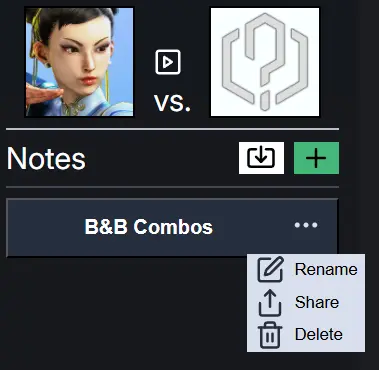
Left panel
Every note belongs to certain matchup.
The link to high level gameplay of the matchup
Use the share code to import other's note.
Get the share code of the note.
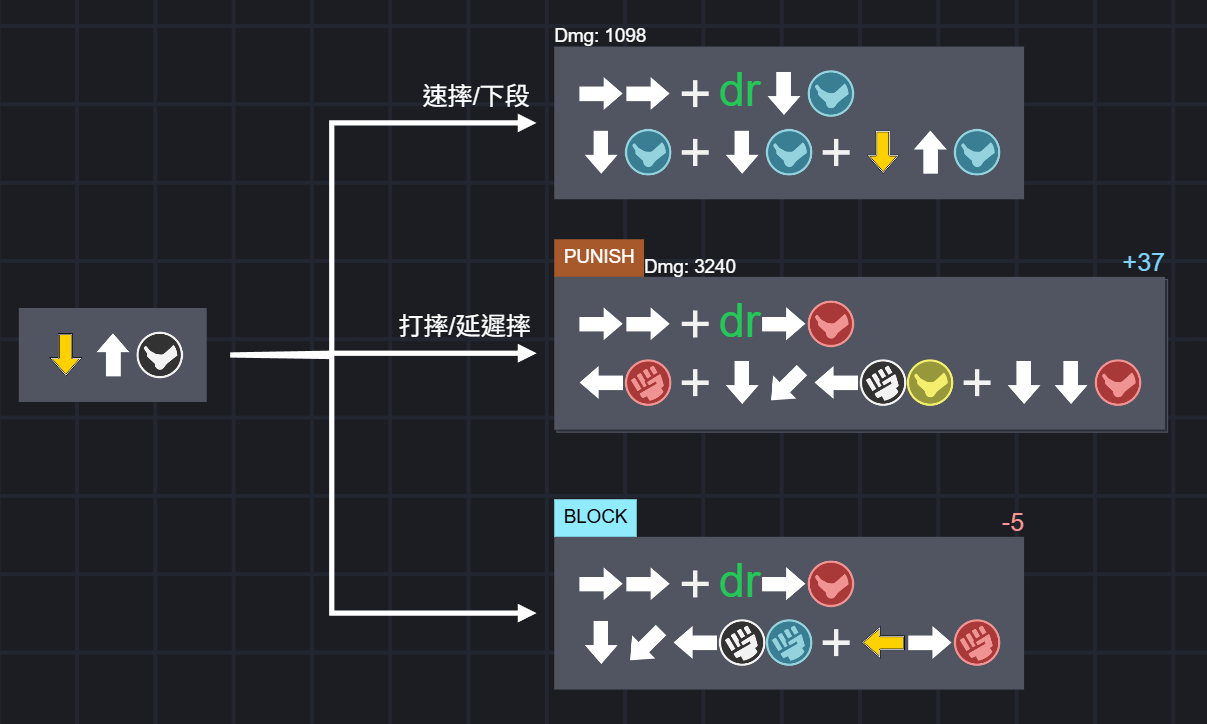
Combo block
1. Use numpad notation as input. Ex. 623P. (P must be uppercase.)
Notation Table2. If combo might contain two characters. Type name to insert icon. Ex. Caitlyn

3. The text in curly braces will be rendered as pure text. {623P}=>623P
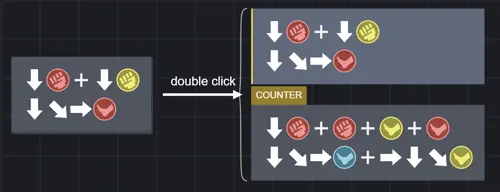
4. Every combo block contains multiple combos. Double click to change.
Arrow
1. Click combo block to show yellow anchors.
2. Click the anhor to create arrow.
Arrow Text
1. Double click to edit the text
Relative anchor
The blue anchor changes based on the relative positioning of its ends.
Alt + left-click switches the anchor point type.
Absolute anchor
The white anchor remains fixed
Alt + left-click switches the anchor point type.
Video
Double click to show video player.
Game Scene
Double click to play or pause character action
Currently, this feature does not include all the actions for all the characters, and it requires further completion.
I am running into some technical issues (Refer to the GitHub page). If you could, I would greatly appreciate your help.
Link